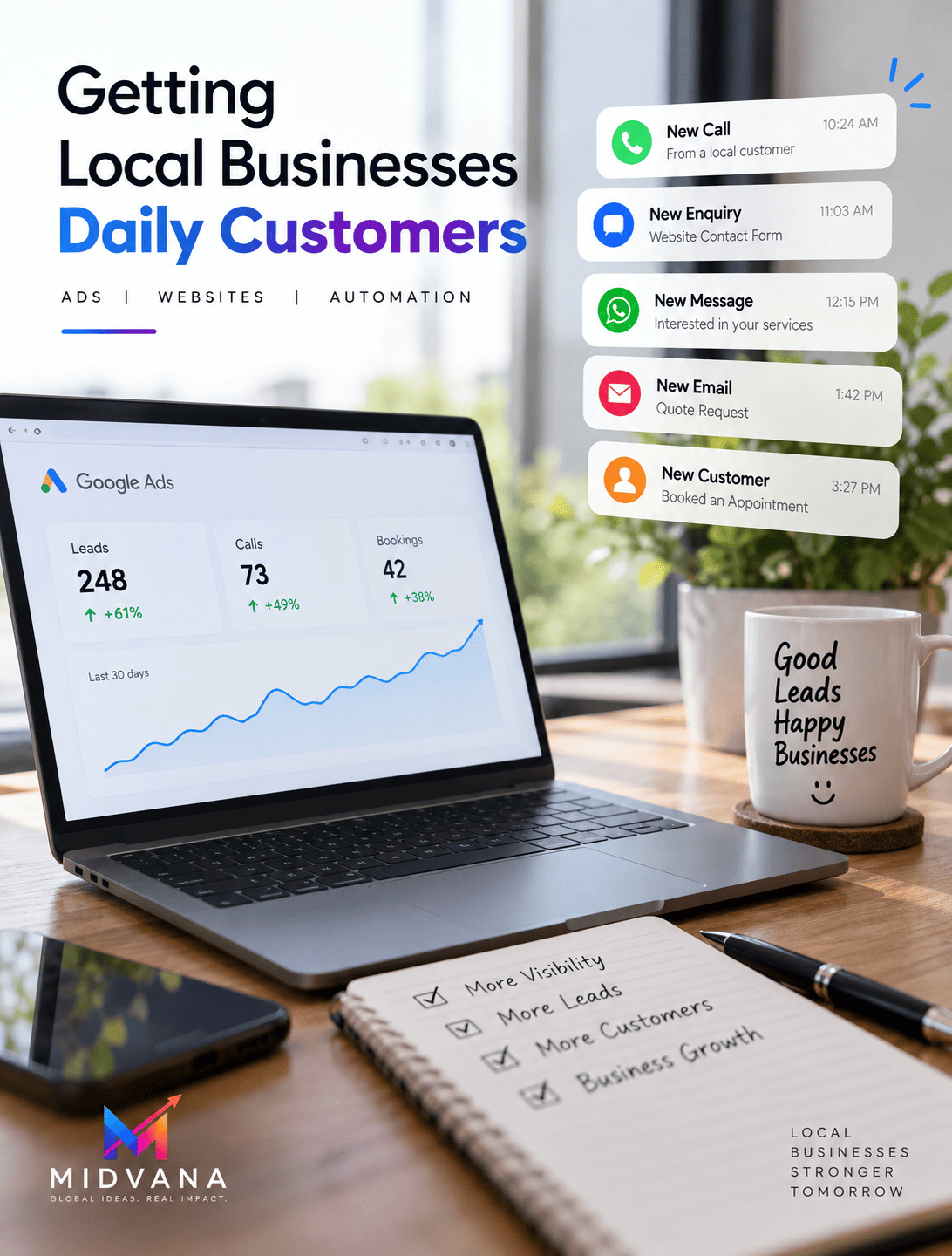


Getting people to visit your website is important.
But traffic alone doesn’t grow a business.
The real goal is to turn website visitors into enquiries, bookings, sales and long-term customers.
A business in Auckland may receive thousands of website visitors every month but generate only a handful of enquiries. Another business in Christchurch may have less traffic but convert a much higher percentage of visitors into customers.
The difference often comes down to how the website is designed.
A high-converting website doesn’t simply look professional. It guides visitors through a clear journey:
Visitor → Interest → Trust → Action → Customer
In this guide, we’ll explain how New Zealand businesses can build websites designed to generate more leads and customers.
What Is a High-Converting Website?
A high-converting website is designed to encourage visitors to take a desired action.
That action could be:
- Calling your business
- Filling out a contact form
- Booking an appointment
- Requesting a quote
- Purchasing a product
- Booking a consultation
- Signing up for an email list
The exact conversion depends on your business.
For a nail salon in Auckland, the goal may be an online booking.
For a builder in Christchurch, it may be a quote request.
For a digital agency in Wellington, it may be a consultation.
For an e-commerce business, it may be a purchase.
1. Start With a Clear Value Proposition
When someone lands on your website, they should quickly understand:
What do you do?
Who do you help?
Why should they choose you?
Your main headline should communicate this clearly.
Instead of:
“Welcome to Our Website”
consider:
“Professional Website Development for New Zealand Businesses”
Or:
“Get More Customers With Digital Marketing in Auckland”
A clear headline reduces confusion and helps visitors understand whether your business is relevant to them.
2. Make Your Main Call-to-Action Obvious
Once a visitor understands your offer, they need to know what to do next.
Use clear calls-to-action such as:
Get a Free Quote
Book Online
Call Now
Request a Consultation
Get Started
Contact Us
Don’t hide your CTA at the bottom of a long page.
Depending on the website, it can appear in several relevant places throughout the customer journey.
3. Build Trust Before Asking for the Sale
Customers may not be ready to contact you immediately.
They may want proof first.
Your website can build trust through:
Reviews
Show genuine customer feedback.
Testimonials
Explain what customers appreciated about your service.
Portfolio
Show completed work.
Case Studies
Explain the problem, solution and outcome.
Experience
Explain relevant expertise and credentials.
Business Information
Make your location and contact information easy to find.
For example, a company serving Auckland, Wellington and Christchurch can highlight relevant projects or customer experiences where appropriate.
4. Explain Your Services Clearly
Don’t assume visitors already understand what you offer.
Create clear service sections or dedicated service pages.
For a digital marketing company, these might include:
- Website Development
- SEO
- Local SEO
- Google Ads
- Meta Ads
- Lead Generation
- AI & Automation
Each service page can explain:
What it is
Who it’s for
What it includes
How it works
What the customer should do next
This helps visitors decide whether your service is suitable for them.
5. Use Simple Website Navigation
A complicated menu can make it harder for visitors to find what they need.
Keep your main navigation simple.
For example:
Home | Services | About | Portfolio | Blog | Contact
For businesses with multiple services, a dropdown menu can help organise information.
Your navigation should make it easy for visitors to answer:
Where am I?
What do you offer?
How can I contact you?
6. Make Your Website Mobile-Friendly
A website must work well on smartphones.
Mobile visitors should be able to:
- Read your content
- Navigate your pages
- Click your phone number
- Submit a form
- Book an appointment
- View images
- Find your location
For a local business, this is particularly important.
Someone searching for:
“restaurant near me”
“nail salon Auckland”
or
“electrician Christchurch”
may be using a smartphone.
If your website is difficult to use, they may move to another business.
7. Improve Website Speed
A beautiful website isn’t useful if it takes too long to load.
Slow loading can create frustration and may cause visitors to leave.
Review:
- Image sizes
- Hosting
- Scripts
- Plugins
- Website code
- Caching
- Mobile performance
Use high-quality images, but optimise them so they don’t unnecessarily slow down the page.
8. Create Strong Landing Pages
Landing pages are particularly useful for paid advertising.
Suppose you’re running Google Ads for:
“SEO agency Auckland”
Instead of sending visitors to a generic homepage, create a relevant landing page focused on SEO services for Auckland businesses.
The page could contain:
Headline
↓
Benefits
↓
Services
↓
Proof / Reviews
↓
FAQs
↓
Call-to-Action
This creates a focused customer journey.
9. Match Your Ad With Your Landing Page
Your advertisement and landing page should make sense together.
For example:
Google Search
“Website Developer Auckland”
Advertisement
Professional Website Development Auckland
Landing Page
Website Development for Auckland Businesses
The visitor sees a consistent message from search to landing page.
This helps reduce confusion and provides a more relevant experience.
10. Use Local SEO Strategically
If your business serves specific locations, make your service areas clear.
For example:
Auckland
Website development and digital marketing for Auckland businesses.
Wellington
Digital solutions for Wellington businesses.
Christchurch
Website and lead-generation services for Christchurch companies.
Hamilton
Online marketing solutions for Hamilton businesses.
Tauranga
Website development and digital marketing for Tauranga businesses.
You can also create useful content targeting other areas such as:
- Dunedin
- Palmerston North
- Napier
- Hastings
- Rotorua
- Nelson
- New Plymouth
- Queenstown
Only target locations where your business genuinely operates or provides services.
11. Make Contact Forms Easy
A complicated contact form can reduce conversions.
Ask for the information you actually need.
A simple form might include:
Name
Phone
Service Required
Message
For some businesses, you may need additional information.
However, avoid asking for unnecessary details during the first interaction.
12. Give Customers Multiple Ways to Contact You
Different customers prefer different communication methods.
Depending on your business, consider providing:
- Phone
- Contact form
- Online booking
- Live chat
For example, a salon in Auckland may prioritise online booking.
A construction company in Christchurch may prefer phone calls and quote forms.
A digital agency in Wellington may use consultation booking forms.
Choose contact methods that fit how your customers actually communicate.
13. Use Pricing Strategically
Customers often want to understand whether your service fits their budget.
Depending on your business model, you may display:
- Fixed prices
- Starting prices
- Packages
- Price ranges
- “Request a quote”
You don’t necessarily need to publish every price.
But providing some pricing information can help set expectations and reduce unsuitable enquiries.
For example:
Website Development — Starting from NZ$1,499
can provide more context than simply saying:
Contact us for pricing.
The right approach depends on your business and pricing strategy.
14. Add FAQs
Frequently asked questions can help customers make decisions without contacting you first.
Examples:
How long does website development take?
Do you provide website hosting?
Do you work with businesses outside Auckland?
Do you provide SEO?
How much does a website cost?
Can I update my website myself?
FAQs can also help identify the questions your sales team receives repeatedly.
15. Create Content That Helps Customers
Your blog shouldn’t exist only to fill space.
Use it to answer real customer questions.
For example, a New Zealand digital agency could publish:
- How Much Does a Website Cost in New Zealand?
- Google Ads vs Meta Ads
- Local SEO for New Zealand Businesses
- How to Get More Leads With Google Ads
- How AI Is Changing Digital Marketing
- How to Improve Website Conversions
This type of content can attract search traffic and help potential customers understand your services.
16. Track Every Important Conversion
If your website generates enquiries, track them.
Depending on your business, monitor:
- Phone calls
- Forms
- Bookings
- Purchases
- Quote requests
- Consultation bookings
You can then understand which marketing channels are producing results.
For example:
Google Ads → 30 leads
SEO → 15 leads
Meta Ads → 10 leads
But numbers alone aren’t enough.
You should also understand:
How many became customers?
How much revenue did they generate?
This provides a clearer picture of marketing performance.
17. Follow Up With Leads Quickly
A website can generate a lead, but the sales process doesn’t end there.
If someone submits an enquiry, follow up promptly.
A simple process could be:
Website Enquiry
↓
Lead Notification
↓
CRM Entry
↓
Sales Follow-Up
↓
Consultation / Quote
↓
Customer
AI and automation can help businesses streamline some of these steps.
For example, an automated confirmation can tell a customer that their enquiry has been received while a team member prepares a personalised response.
18. Keep Improving Your Website
Your first website doesn’t have to be perfect.
Use real data to improve it.
You can test:
- Headlines
- CTA buttons
- Page layouts
- Forms
- Offers
- Pricing presentation
- Images
- Testimonials
If one page consistently generates more enquiries than another, study what makes it different.
Website optimisation should be an ongoing process.
Example of a High-Converting Local Business Website
Imagine a digital marketing agency in Auckland.
The homepage could follow this structure:
Hero Section
Get More Leads & Customers With Digital Marketing
Google Ads | SEO | Websites | Meta Ads
[Get a Free Consultation]
↓
Trust
Customer reviews and business experience.
↓
Services
Clear service categories.
↓
Results / Portfolio
Examples of previous work.
↓
Why Choose Us
Clear business benefits.
↓
Service Areas
Auckland and other areas actually served.
↓
FAQs
Answer common customer questions.
↓
Final CTA
Ready to Grow Your Business?
[Contact Us Today]
This structure gives visitors multiple opportunities to understand, trust and contact the business.
High-Converting Website Checklist
Before launching your website, ask:
✓ Is the main offer clear?
✓ Can visitors understand what you do quickly?
✓ Is the target customer obvious?
✓ Are your services easy to find?
✓ Is your location/service area clear?
✓ Do you have genuine reviews?
✓ Is there a strong CTA?
✓ Is the website mobile-friendly?
✓ Is it fast?
✓ Are contact options easy to find?
✓ Are forms simple?
✓ Are conversions being tracked?
✓ Does your website work with your Google Ads and SEO strategy?
If you can answer “yes” to most of these questions, you’re building a stronger foundation for converting traffic into customers.
Final Thoughts
A high-converting website isn’t about adding more animations, complicated designs or unnecessary features.
It’s about making the customer’s journey simple.
Your website should help visitors:
Understand → Trust → Decide → Act
Whether your business is located in Auckland, Wellington, Christchurch, Hamilton, Tauranga or another part of New Zealand, the same principle applies.
Bring the right visitors to your website.
Give them useful information.
Build trust.
Make the next step easy.
Then measure what happens.
Build a Website That Works for Your Business
At Midvana Intelligence, we help New Zealand businesses build websites and digital marketing systems focused on visibility, leads and customer growth.
Our services include:
- Website Development
- Custom Website Design
- Landing Pages
- SEO & Local SEO
- Google Ads
- Meta Ads
- Lead Generation
- AI & Marketing Automation
If your website is attracting visitors but not generating enough enquiries, contact Midvana Intelligence and let’s turn your website into a stronger customer acquisition tool.